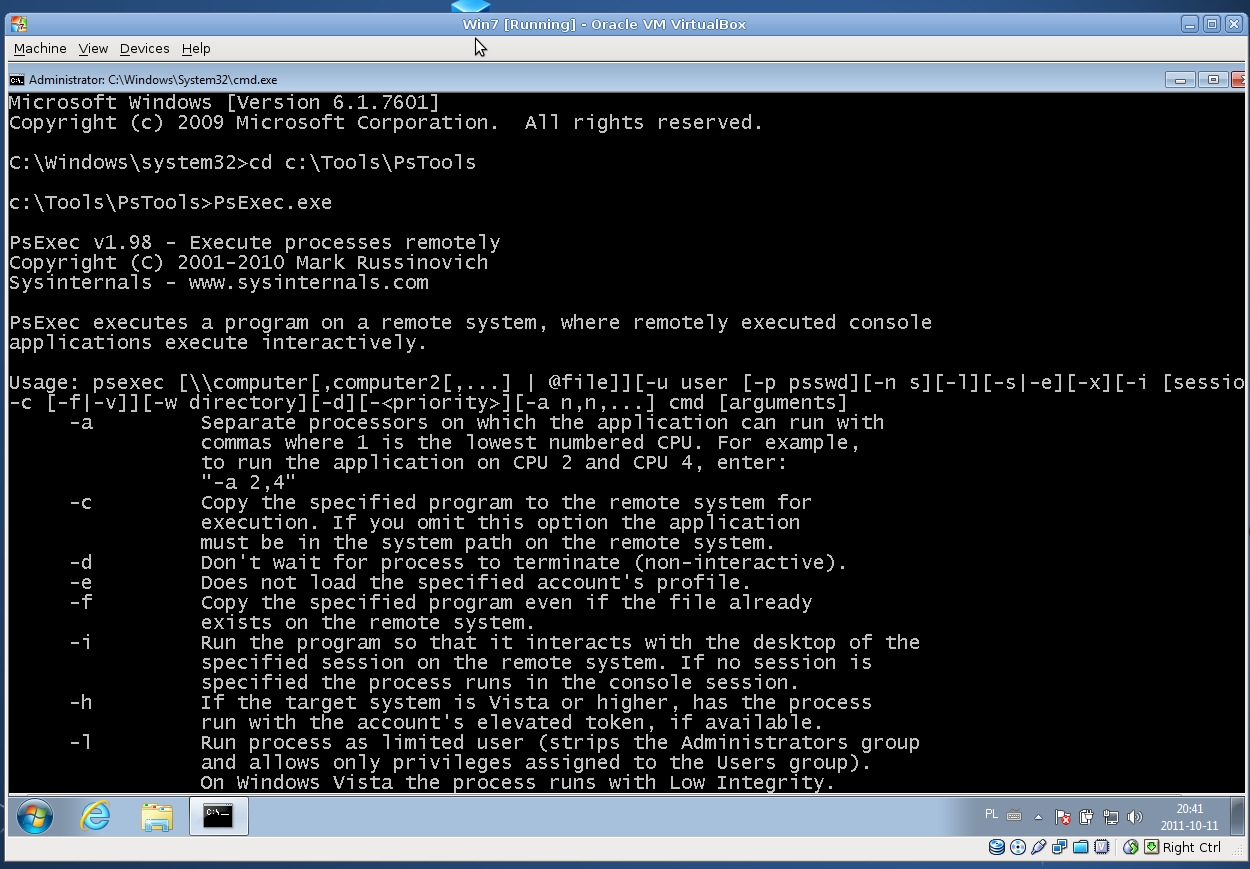
Since Windows 7, accessing to remote console using Telnet is not an option, nodaway Microsoft has provide us another tool for this tasks, PsExec https://technet.microsoft.com/en-us/sysinternals/bb897553.aspx This tools give us the ability for connect to a remote console with privileges and execute commands or scripts.
It give’s us many options, in this reminder i’ll expose only how to connect to a remote Lan computer
Download PsTool from Microsoft and install to your pc, place the programs folder where you want, in my case I placed in C:\
Then open your command console, go to application folder C:\PsTools and execute
PsExec.exe \\COMPUTER_NAME -u DOMAIN\User -p PASSWORD cmd
Example:
PsExec.exe \\DESKTOP01 -u ACME\Administrator -p MyPassword cmd
That’s all we need.
Hope you’ll enjoy